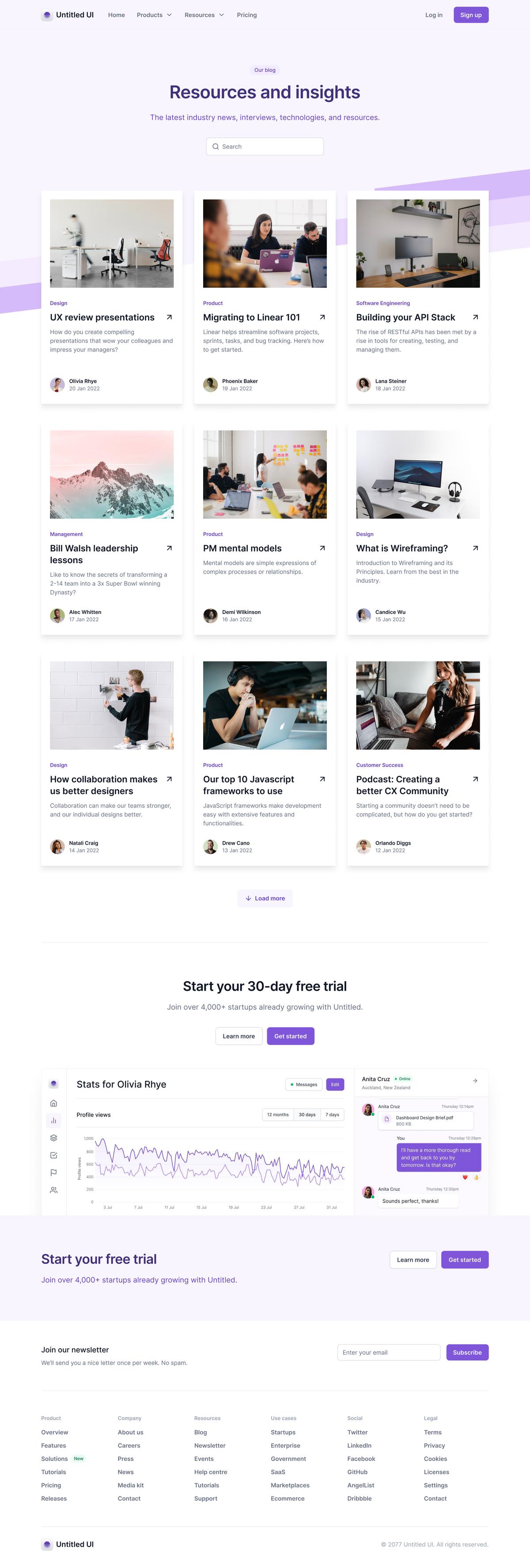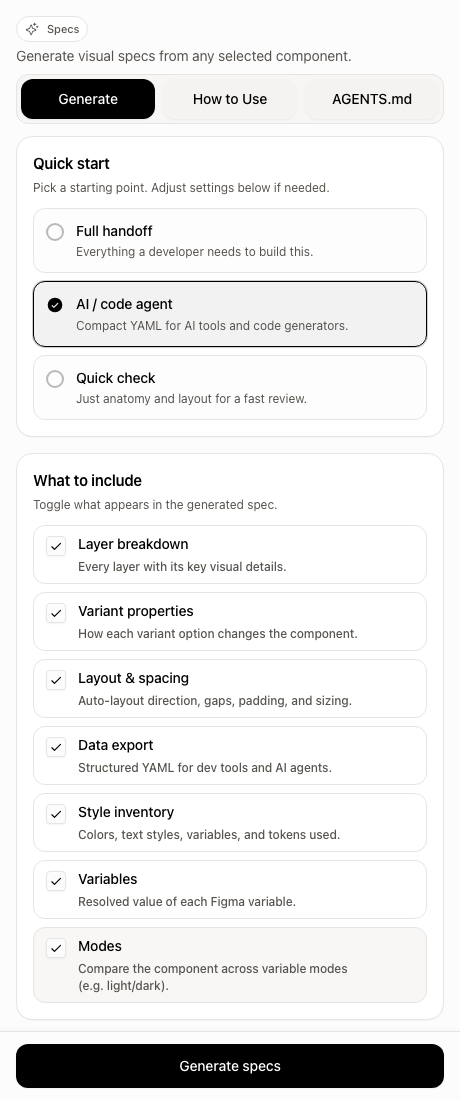
Generate Tab
Presets and configuration for structured spec output.
Open-source Figma plugin for agent-ready specs
 Claude Codewithout burningtoo many tokens.
The plugin converts selected Figma UI into compact, structured YAML so agents get anatomy, layout, tokens, repeats, and less context waste than raw dumps.
Built for coding agents
Claude Code
Token-aware handoff

OpenAI Codex
Deterministic builds

Cursor
Agent-first coding
Works for coding languages
Token impact
The story we keep hearing: teams start with raw Figma MCP dumps around 80k+ tokens, then move to figma-specs and often work closer to ~20k tokens.
Less bloat means more room for actual building, less retry stress, and steadier delivery.
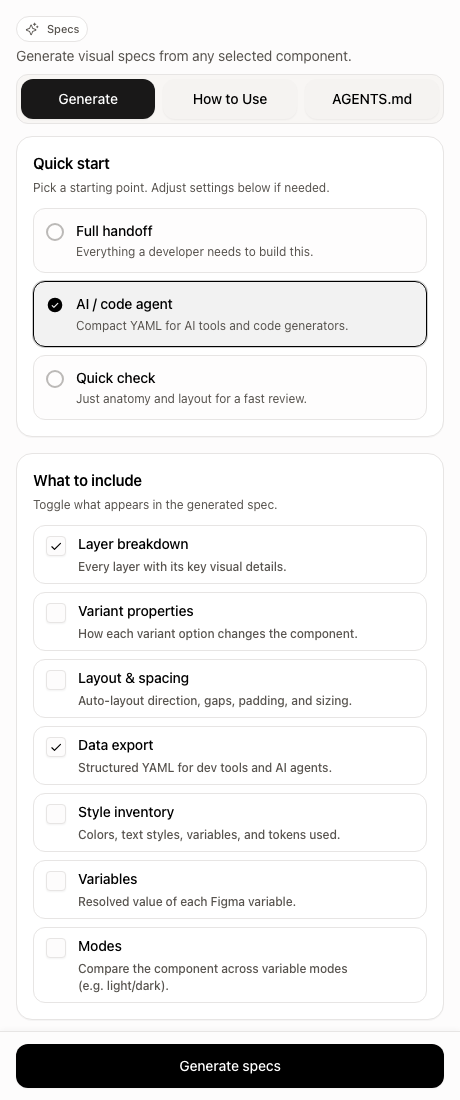
Presets and configuration for structured spec output.
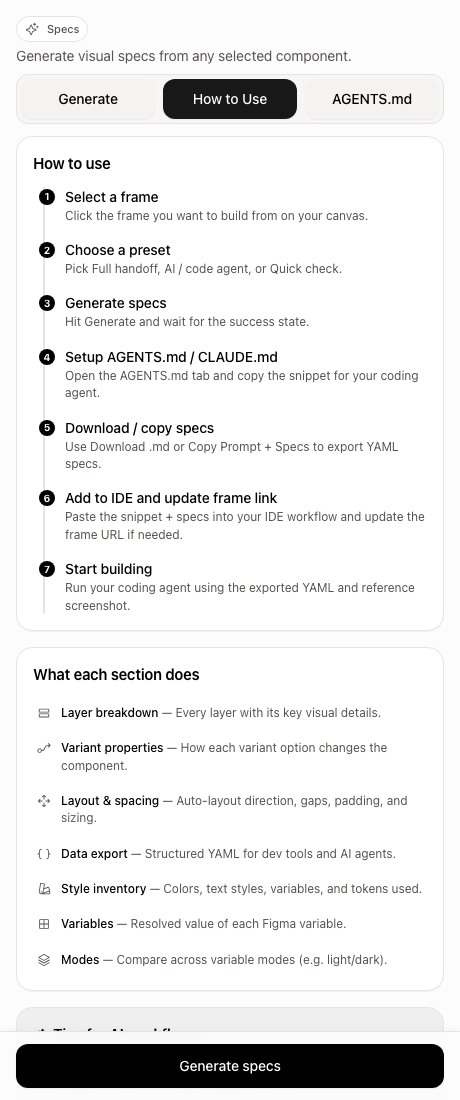
Built-in usage guidance so teams ramp quickly.
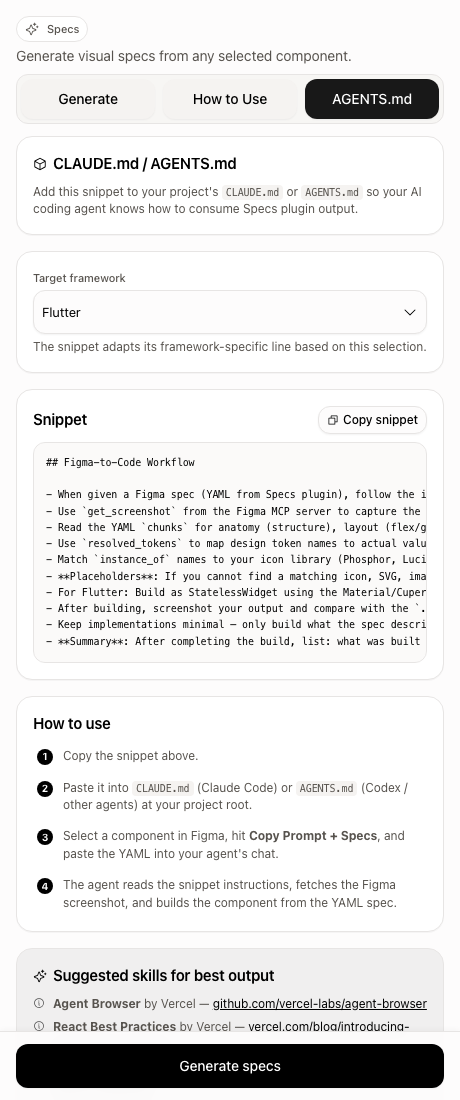
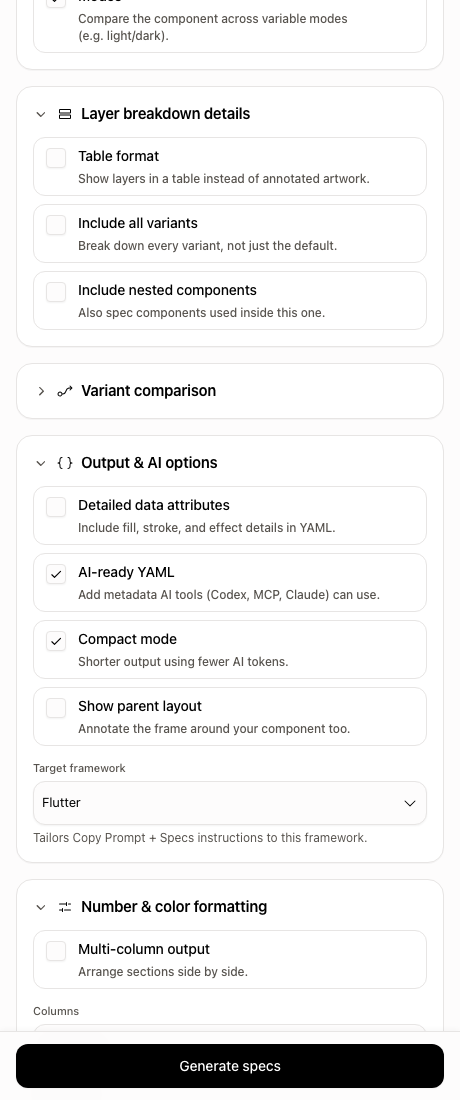
Snippet + framework-aware setup for coding agents.
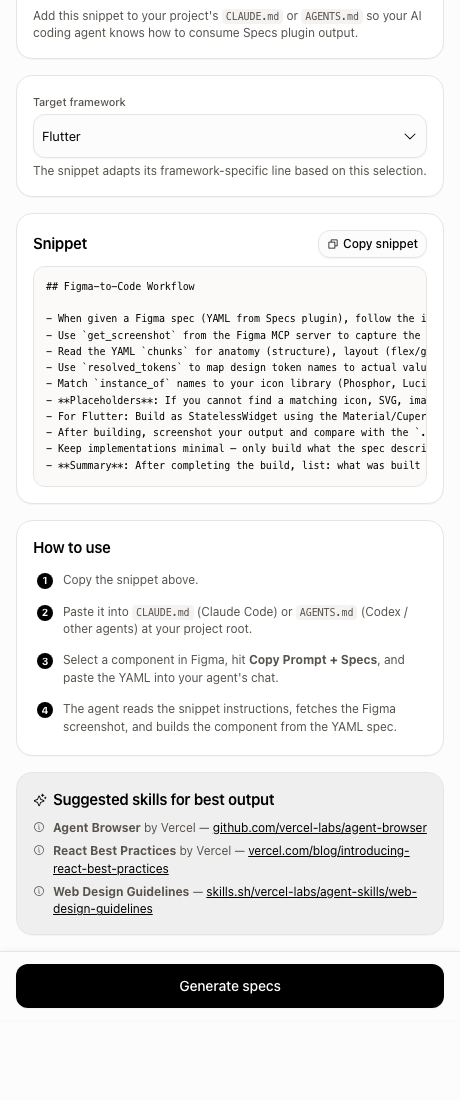
Ready-to-paste CLAUDE.md / AGENTS.md rules so your coding agent knows how to consume specs output.
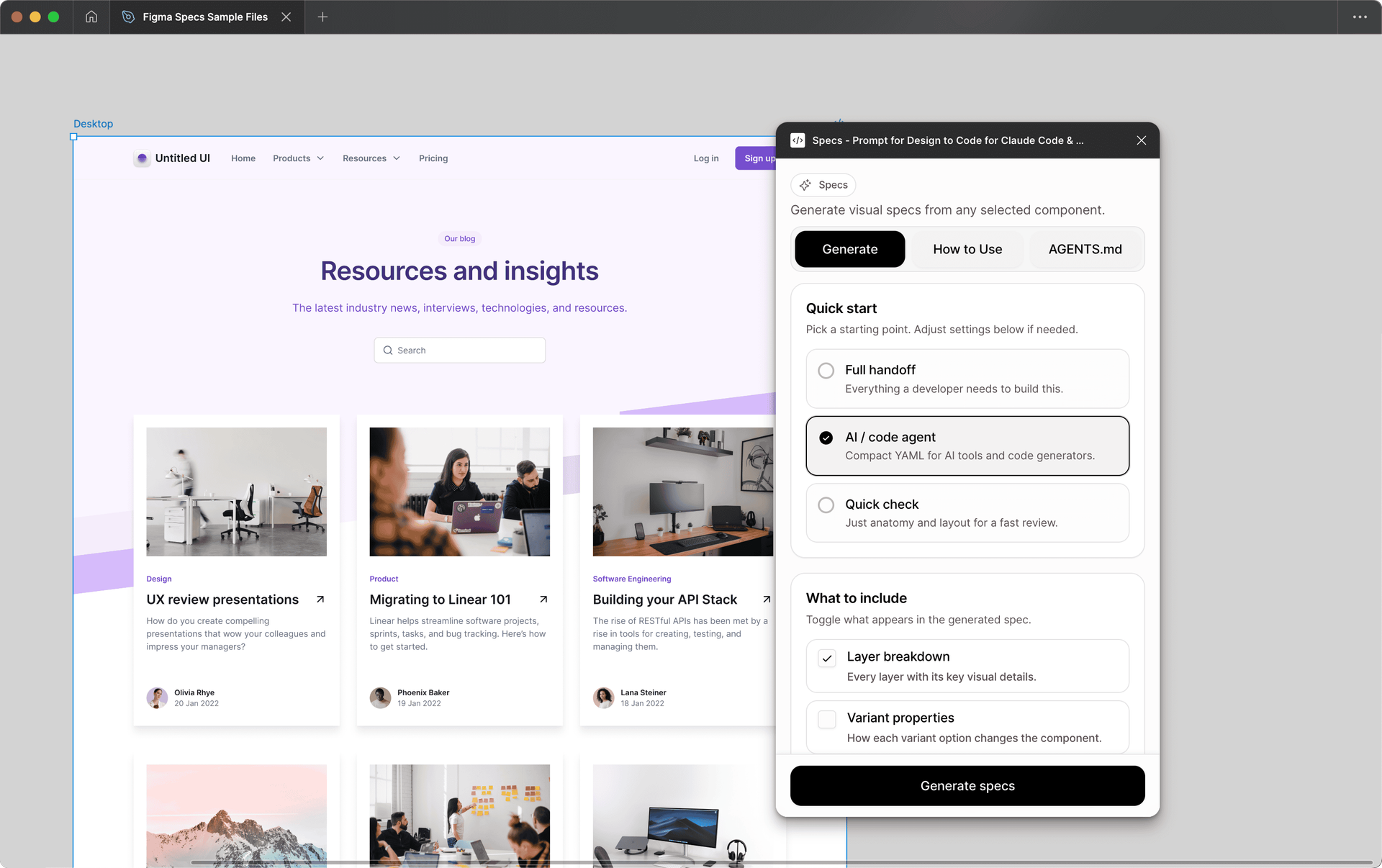
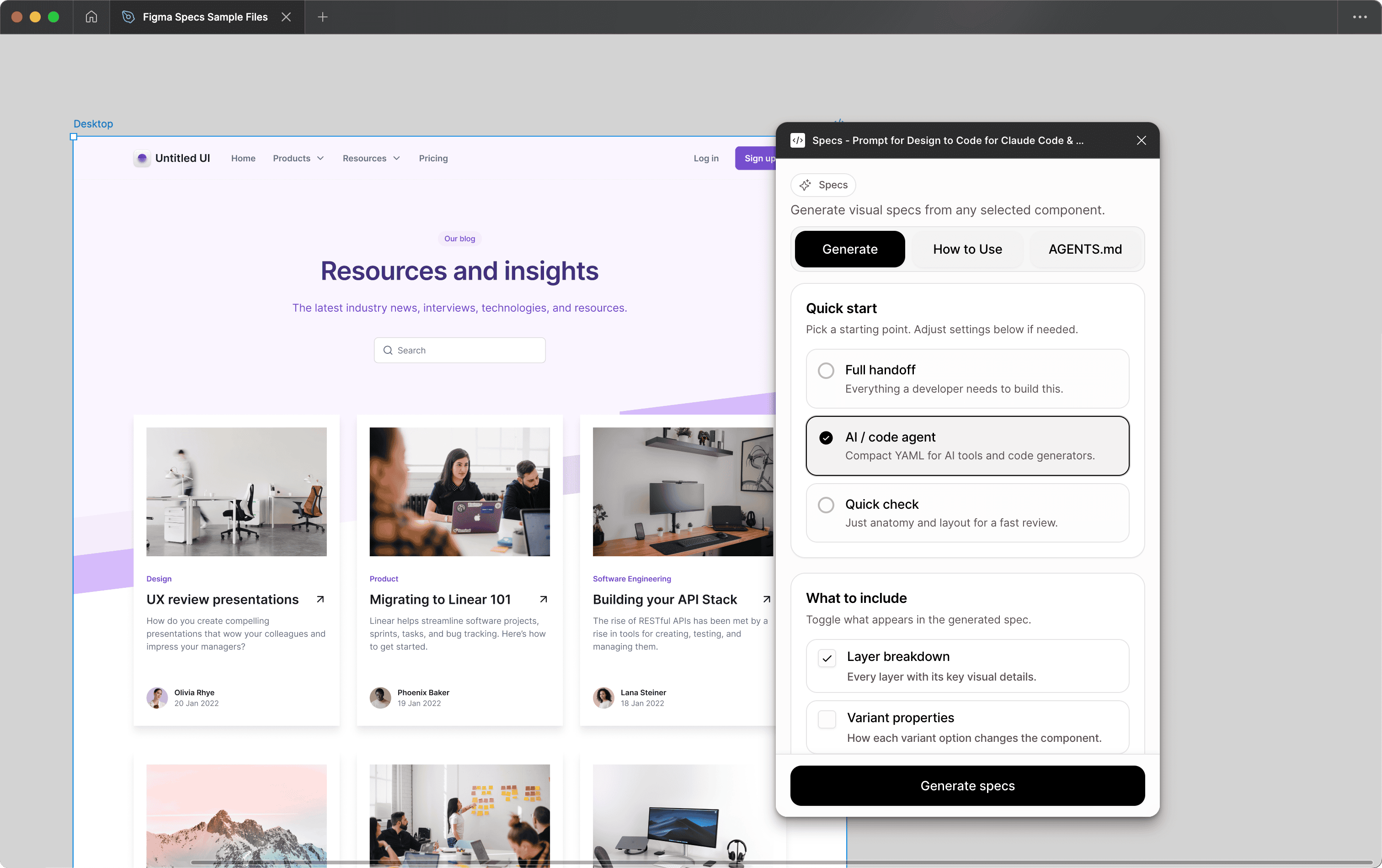
Real sample handoff from the specs generator: preview on the left, agent-ready excerpt on the right.
Preview
Specs snippet
Claude documents a 200K token baseline with premium tiers beyond that.
Source: AnthropicOpenAI pricing is token-based, so oversized prompts convert directly into spend.
Source: OpenAIGreat for humans, but compact deterministic agent payloads still need custom shaping.
Source: FigmaRaw repeated extraction can hit seat/plan/endpoint limits in large team workflows.
Source: FigmaThree steps. Connected, compact, and clear.
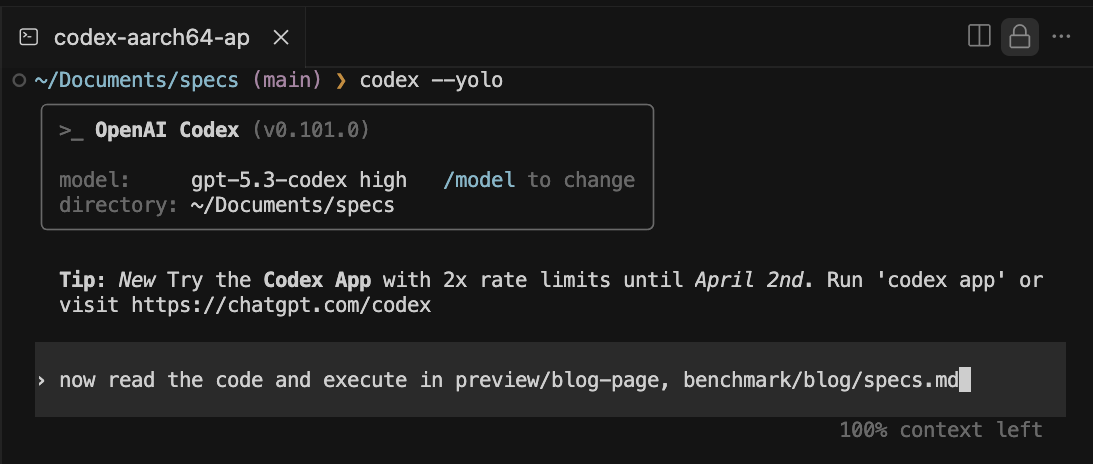
For coding execution, connect Figma MCP so specs can be fetched and consumed directly by Claude Code, Codex, or Cursor.
01
Frame + intent
02
Compact agent brief
03
Claude, Codex, or Cursor
src/code.ts
Coordinates inventory, anatomy collection, layout merge, section rendering, and payload generation.
src/plugin/helpers/anatomy-collector.ts
Fingerprint-based repeat detection + diff encoding to avoid sending duplicate structures.
src/plugin/sections/data-section.ts
Agent-ready chunked YAML with compact schema and resolved token output.
src/plugin/limits.ts
Centralized truncation and numeric caps keep payload size bounded.
src/
  code.ts                 orchestration
  plugin/helpers/*        anatomy + tokens + dedup
  plugin/sections/*       render + payload sections
tests/unit/*              contracts + regression coverage
Figma MCP
Required when coding so specs can execute through Claude Code, Codex, or Cursor workflows.
Agent Browser by Vercel
Browser automation for validating generated UI and interaction flows.
React Best Practices by Vercel
Performance and architecture guidance for production React apps.
Web Design Guidelines
Practical UI decision framework for design-to-code output quality.
Practical answers for teams deciding whether to adopt figma-specs in real shipping workflows.